Restyle every card
in your Apple Wallet.
CardMood puts a new design on the cards already in your Wallet. Pick from 90+ designs on your Mac, send them to your iPhone over a cable, done in minutes.
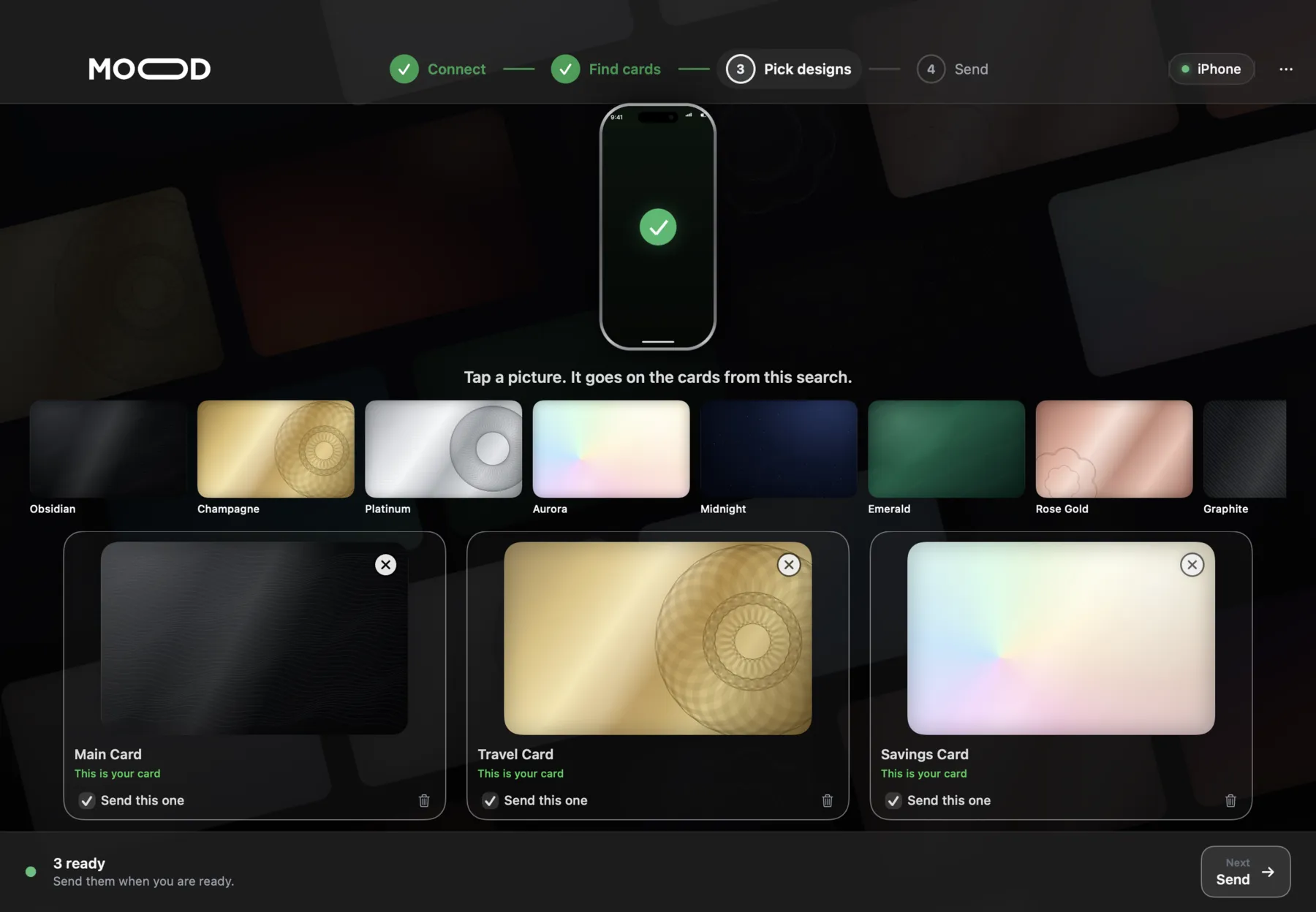
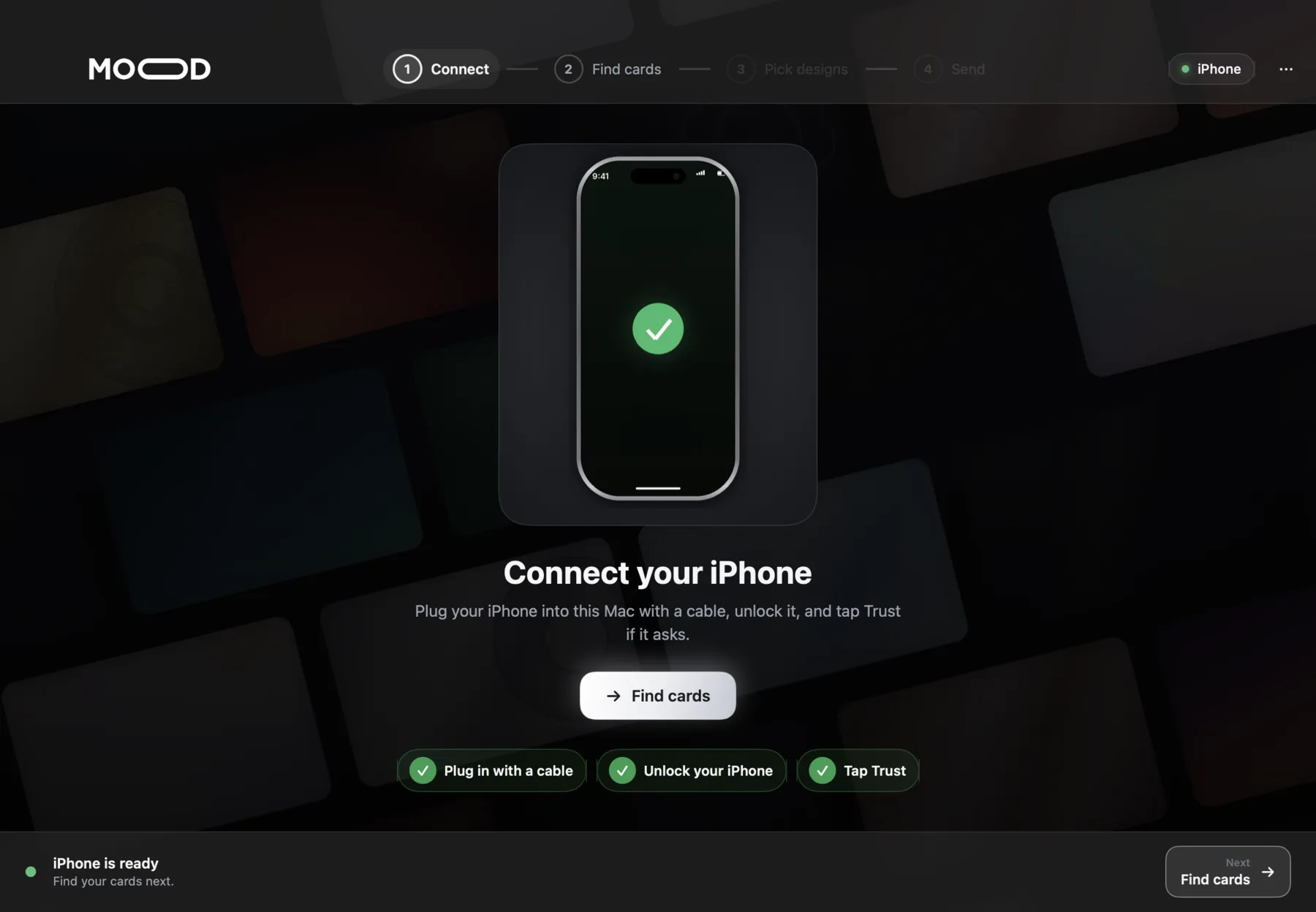
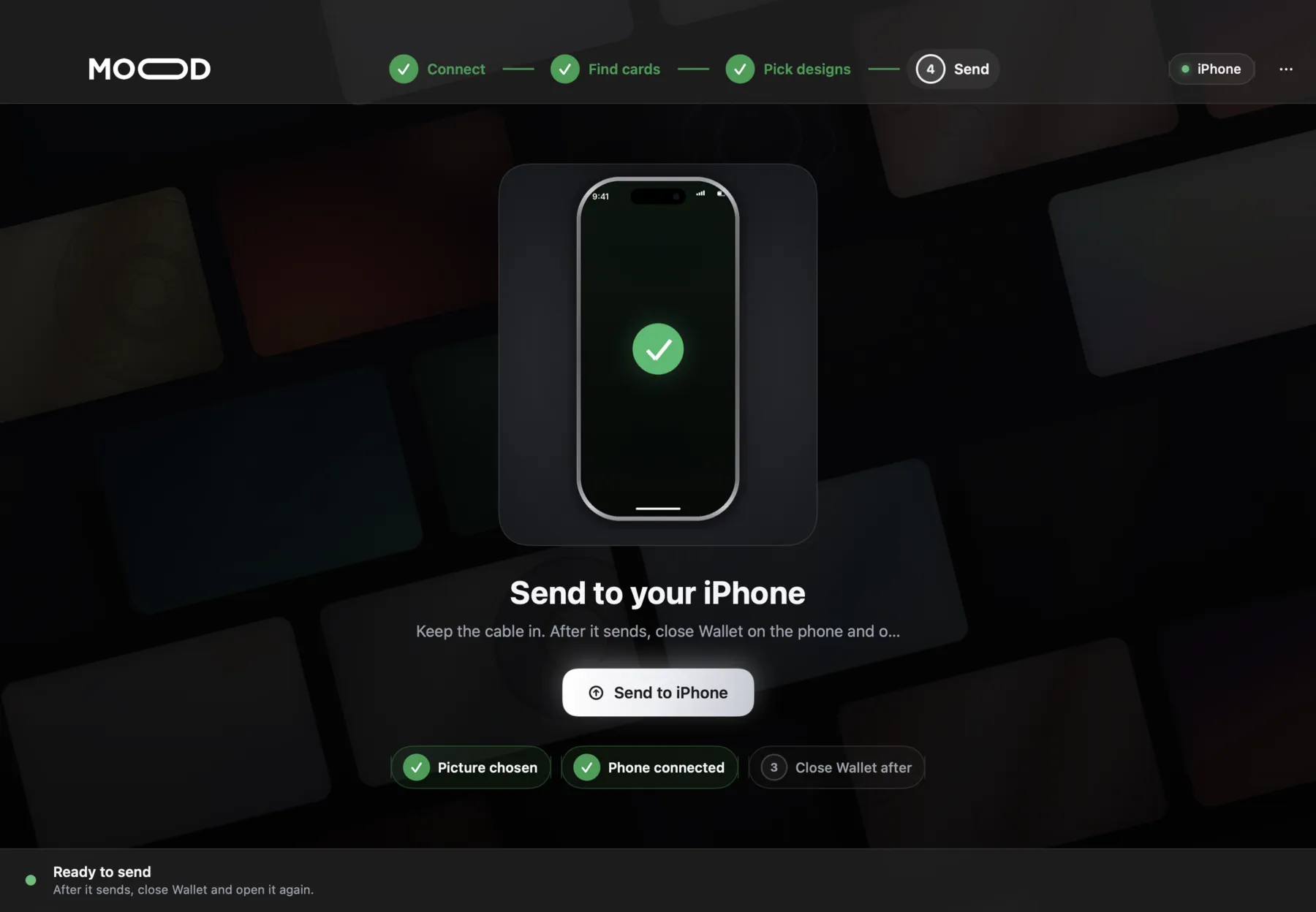
Four steps. All on your Mac.
The app walks you through each step and checks every one before you move on. These are real screens from CardMood.
Any look you want.
Choose from the 90+ designs in the app's library, or use any picture of your own. A few original styles to start with:
Designs shown are original CardMood artwork.
Your cards stay your cards.
Card numbers, Apple Pay, tap-to-pay and balances work exactly as before. CardMood changes only the picture you see in Wallet, and you can switch back whenever you like.
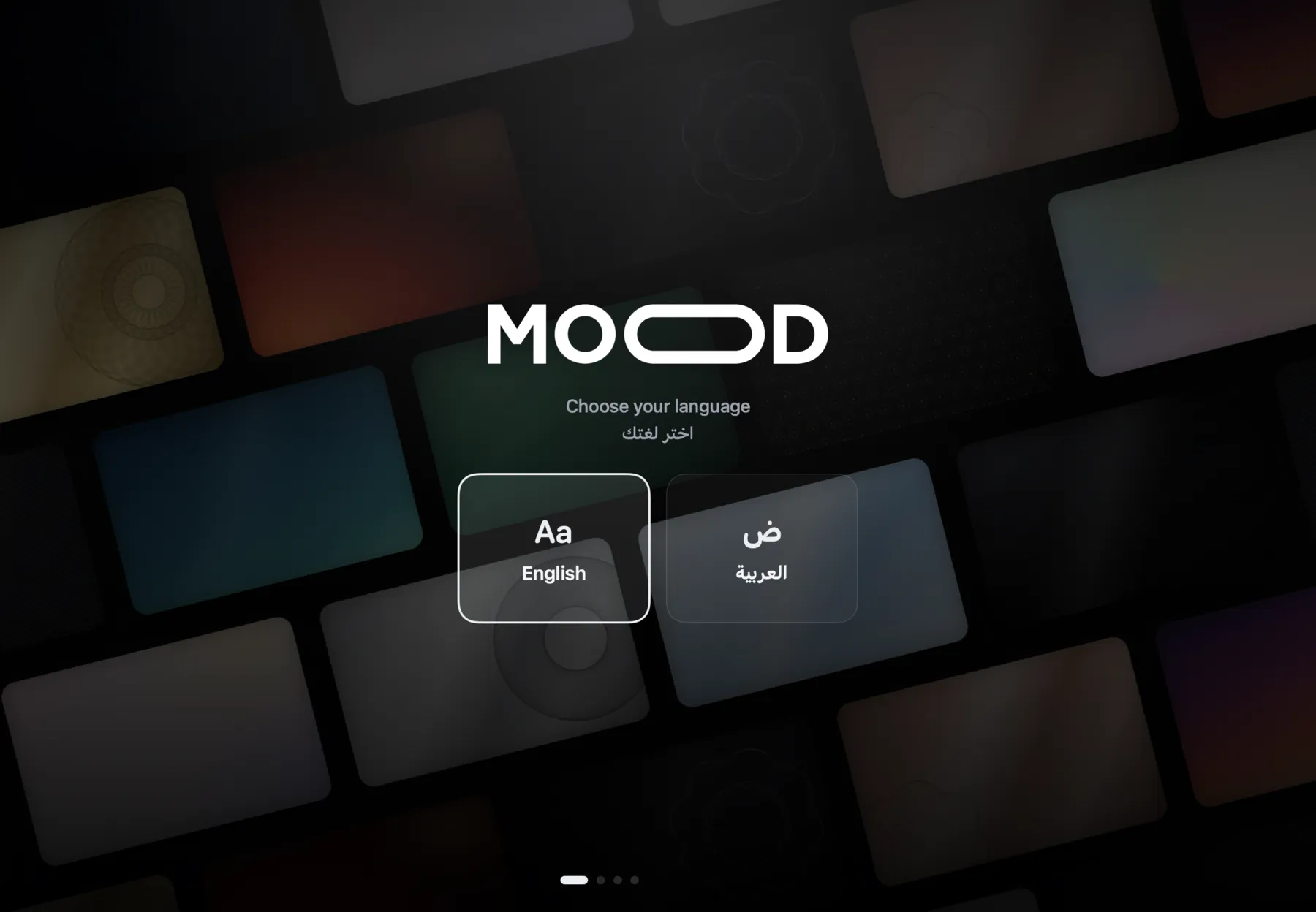
English and Arabic.
The whole app is available in English and العربية, with a short guided setup the first time you open it.
What you'll need.
Please check before buying: CardMood is a Mac app. It doesn't run on Windows, and it isn't an iPhone app. It doesn't work with iOS 27.2 beta 3 or newer, so if you're on the iOS beta, don't update past 27.2 beta 2.
One price.
Everything included.

- The CardMood app for macOS
- The full design library, plus your own pictures
- License for one Mac and one iPhone
- No subscription, no recurring charges
- Support by email and TikTok
Secure payment by Ziina. Digital product, all sales final — see the Refund Policy. By purchasing you agree to the Terms of Service and Privacy Policy.
- Open the downloaded file and drag CardMood into Applications.
- Open CardMood. If macOS says it can't check the app, right-click it and choose Open.
- Enter the license key you received with your purchase.
- Connect your iPhone and follow the four steps.
No license key yet, or stuck? Email [email protected] with your payment receipt, or message @cardmood on TikTok.
Questions, answered.
Is it a subscription?
Does it change how my cards work?
Do I need to jailbreak my iPhone?
Can I go back to the original design?
Which devices does it work with?
How many devices can I use?
What if Apple releases a new iOS update?
Can I get a refund?
Give your Wallet a new look.
90+ designs, a guided Mac app, and one payment. Ready in minutes.
Get CardMood — AED 50